Using Mount Democrat v5.139 on, Mogli Settings now has a new, simplified interface built using Lightning Web Components. This centralized hub provides administrators with a more efficient way to manage all aspects of Mogli, improving the overall user experience and reducing the need for support inquiries.
You can access the new Mogli Settings through the custom "Mogli Settings" tab in Salesforce. The legacy "Application Settings" tab remains accessible as well.
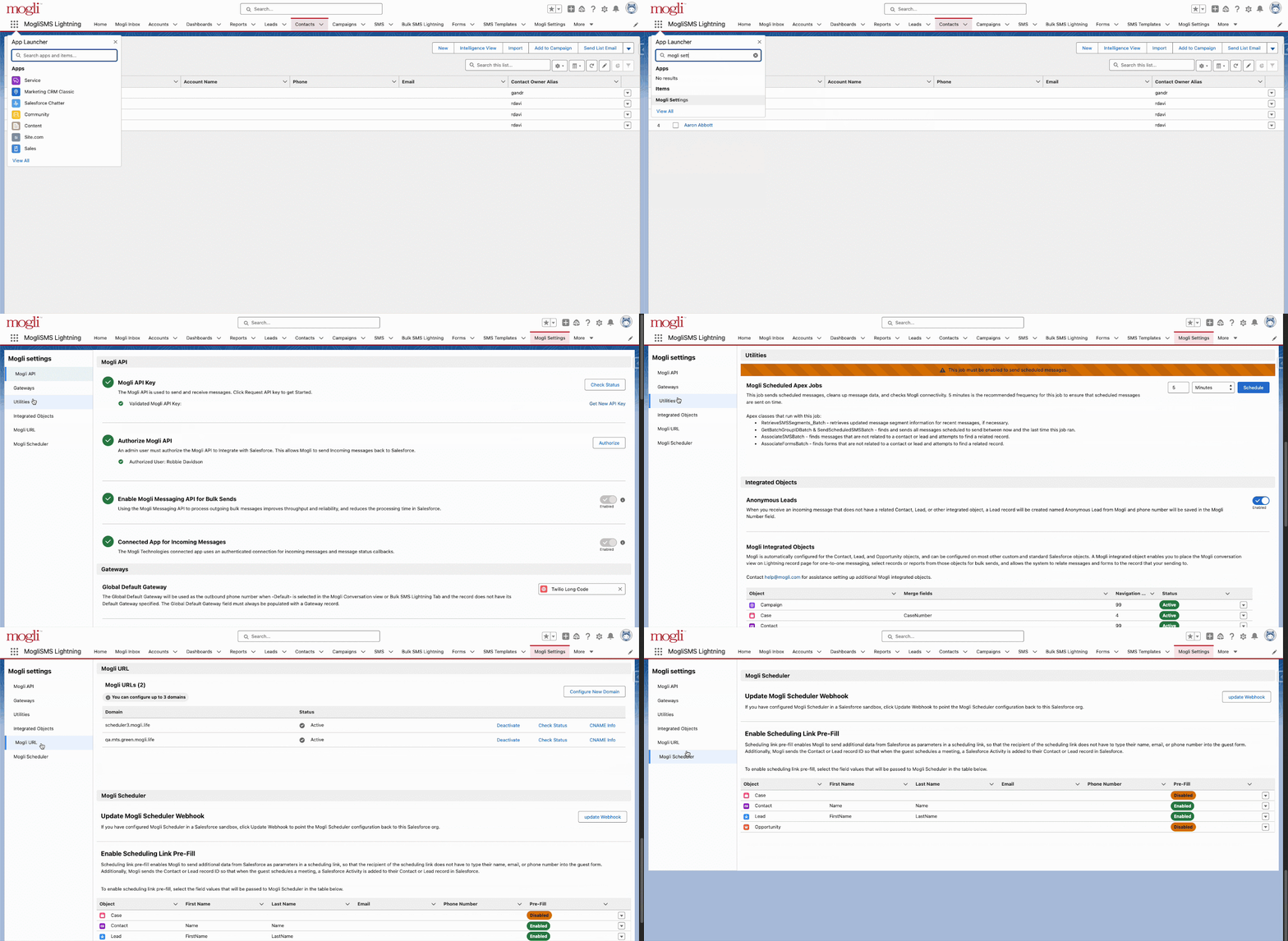
Note: If the “Mogli Settings” tab isn’t visible in your Mogli SMS Lightning app, you can add it by following these steps to customize the app’s navigation menu: Add Tabs to an App's Navigation Menu.
New options in our latest versions
From Grays Peak v5.163 on, you will also see the following in Mogli Settings:
Notifications+ If you have the Notifications+ package, all your settings are now consolidated. Just go to the dedicated Notifications+ section in Mogli Settings to manage them.Real Time Mogli Settings Changes
Real-time Mogli Settings Changes Mogli Settings now update in real-time. Any changes you make will appear immediately on screen, so there's no need to refresh your browser.